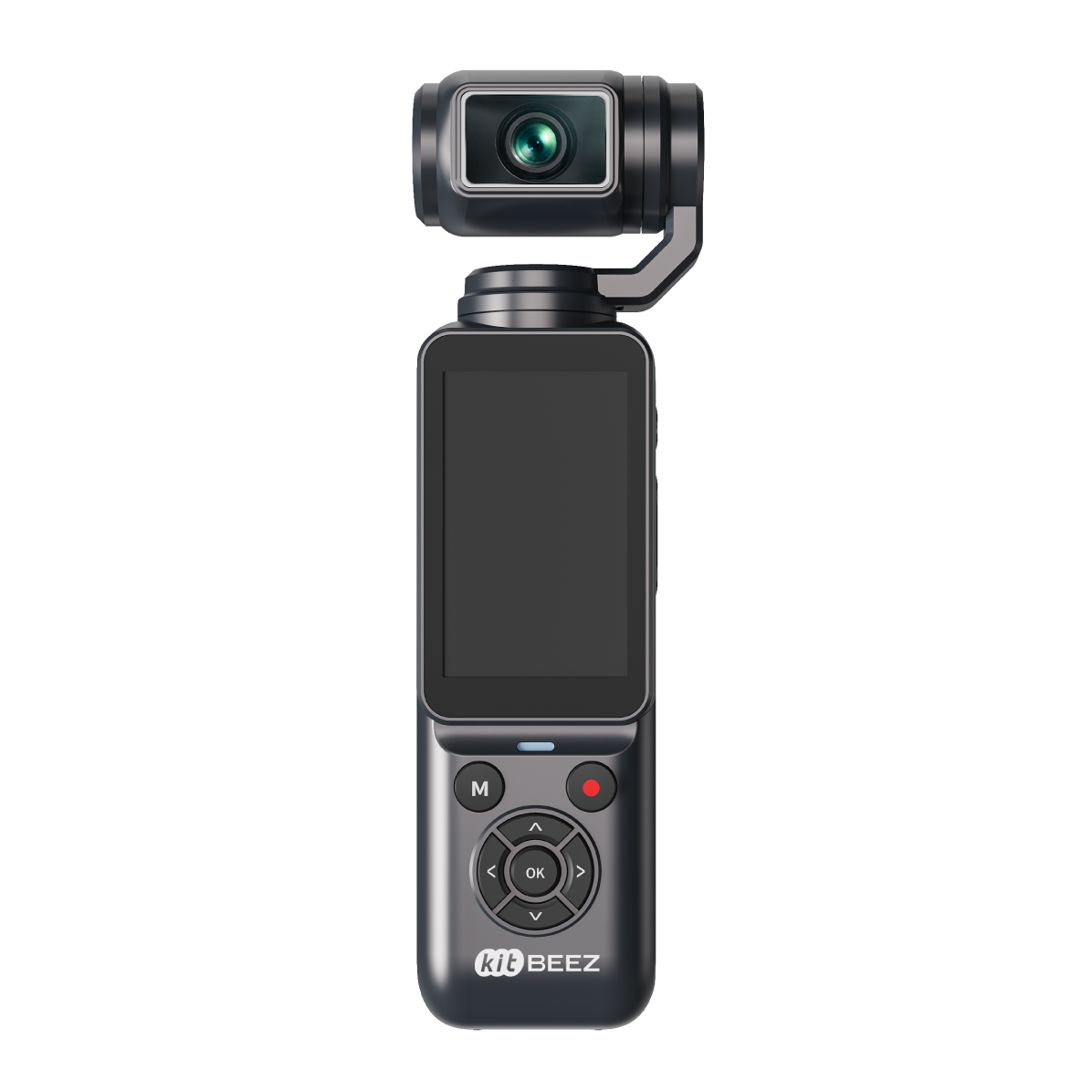
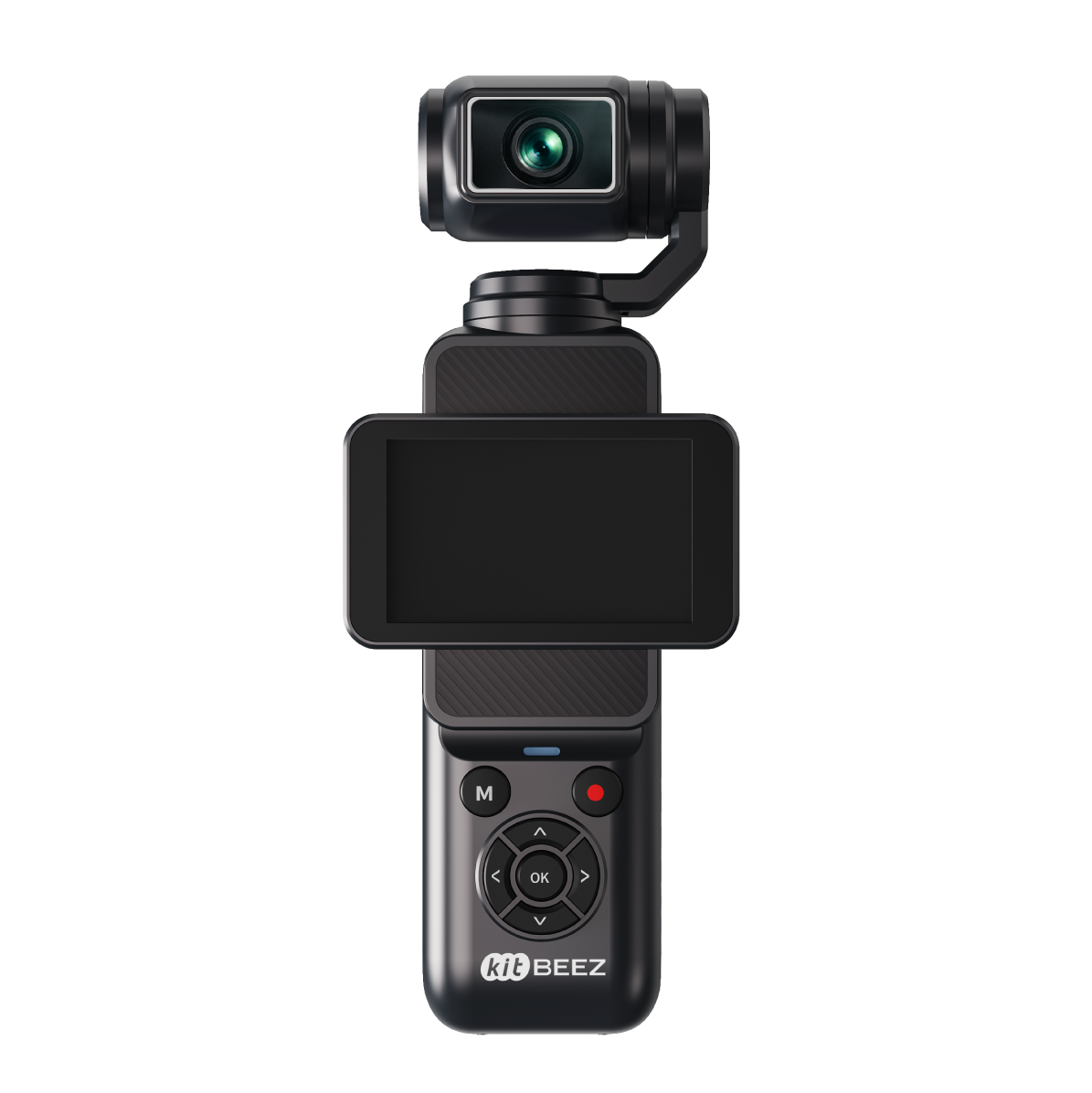
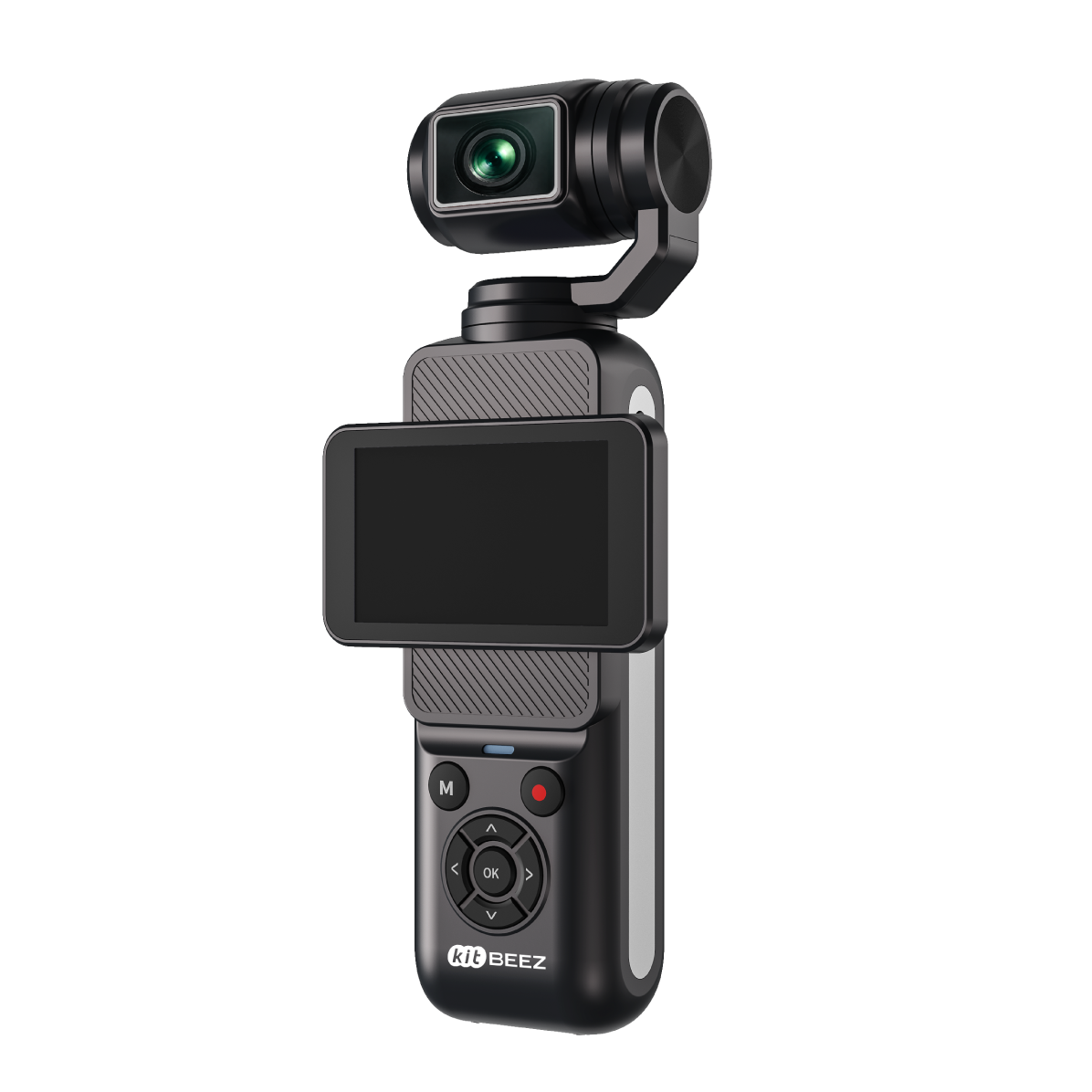
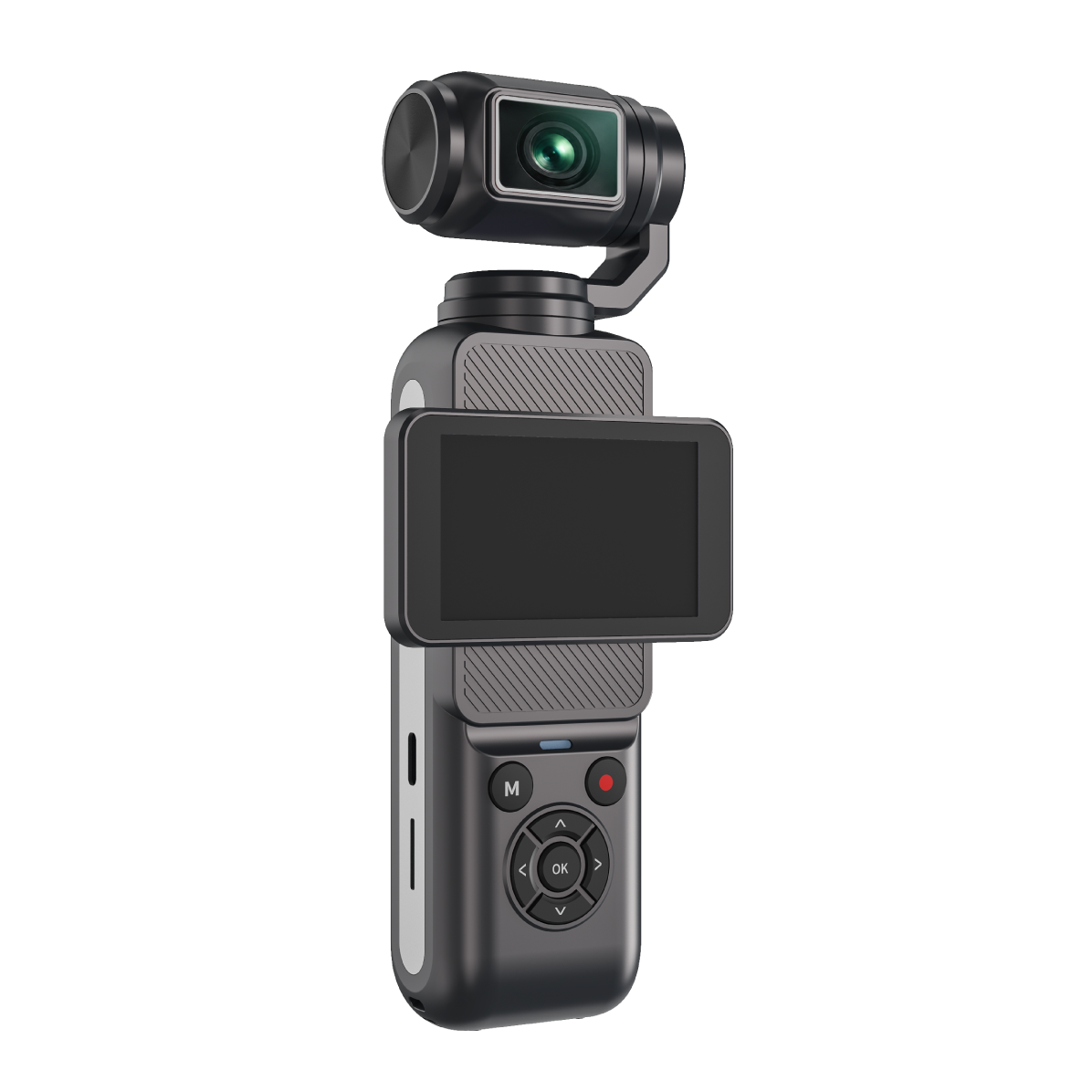
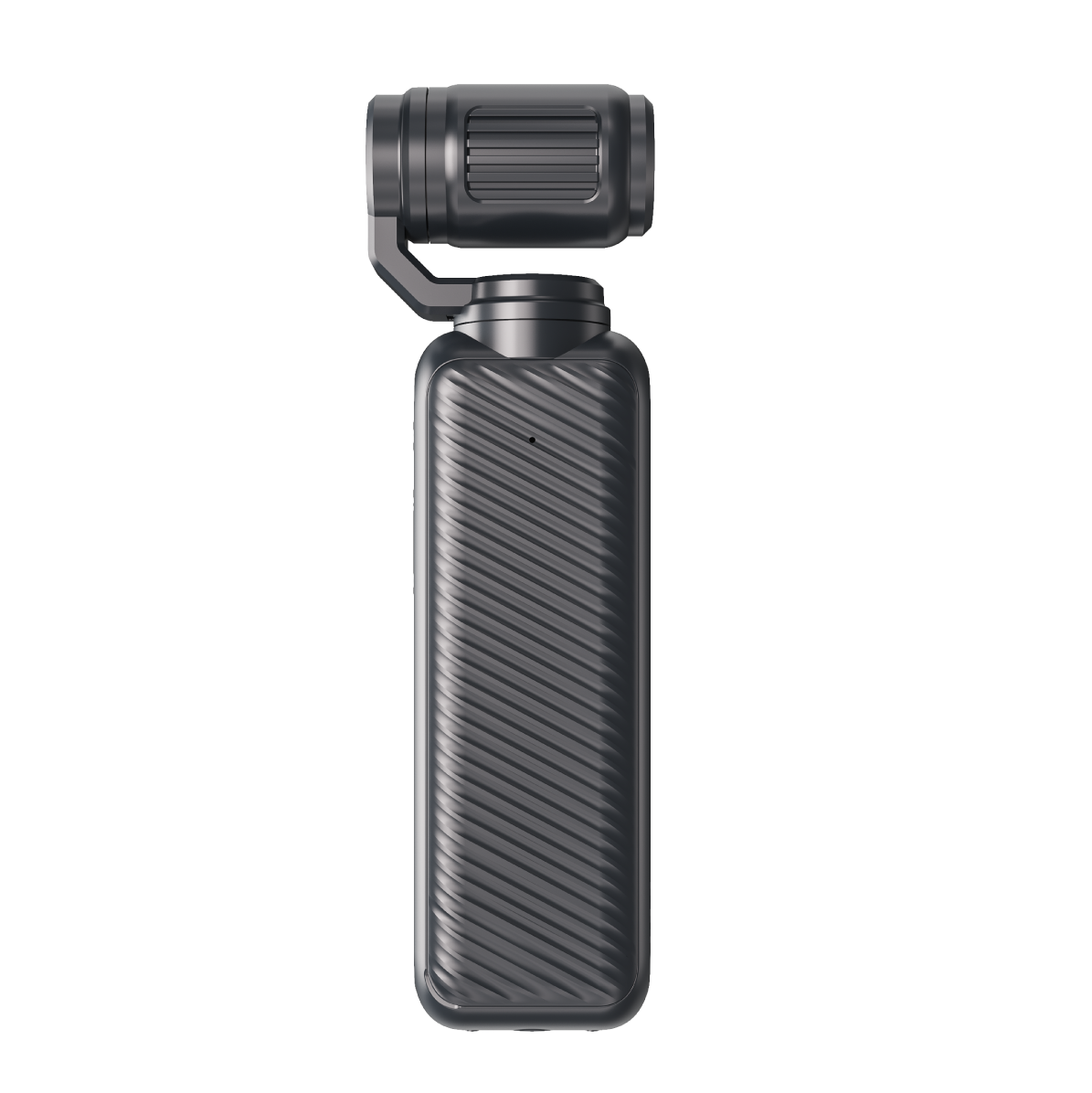
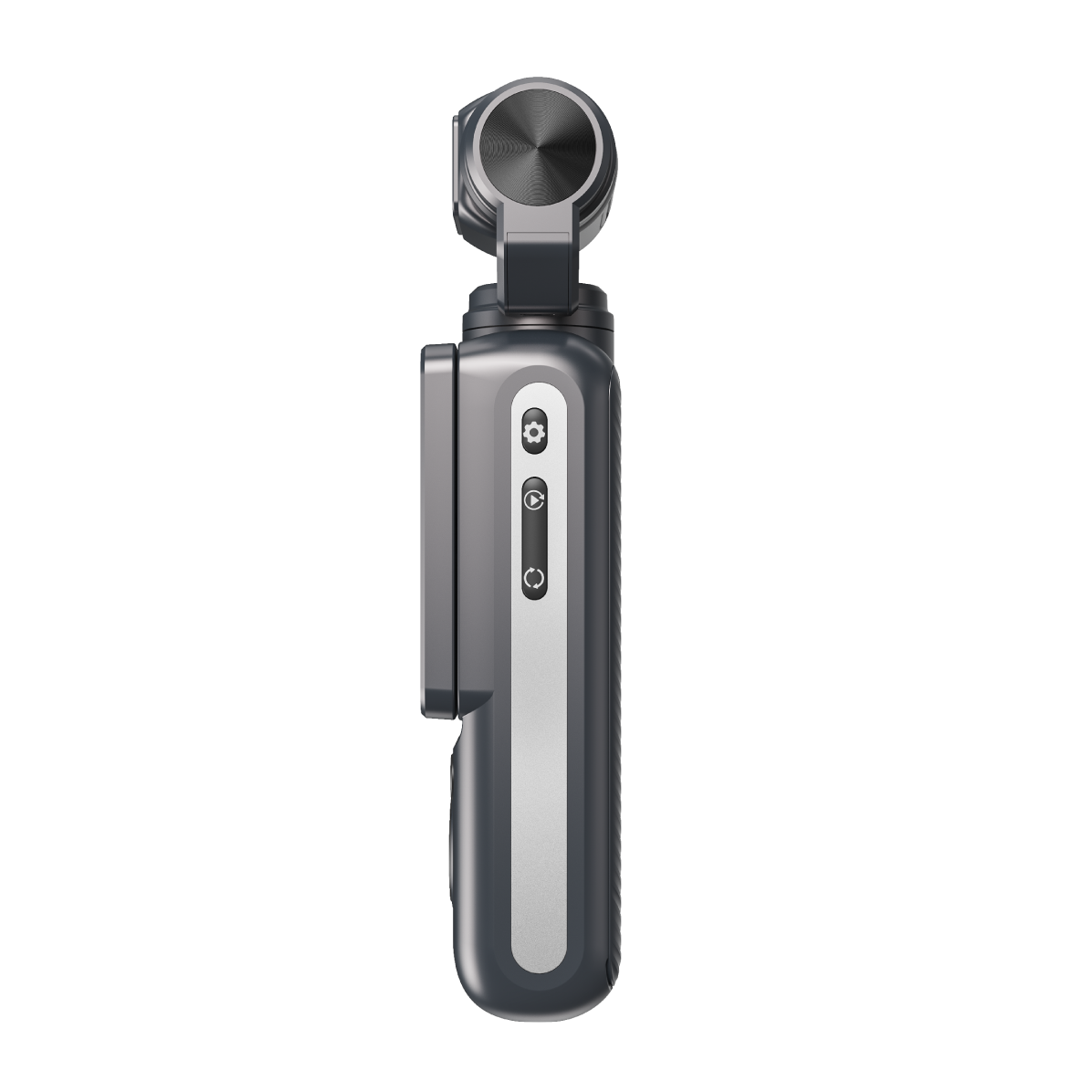
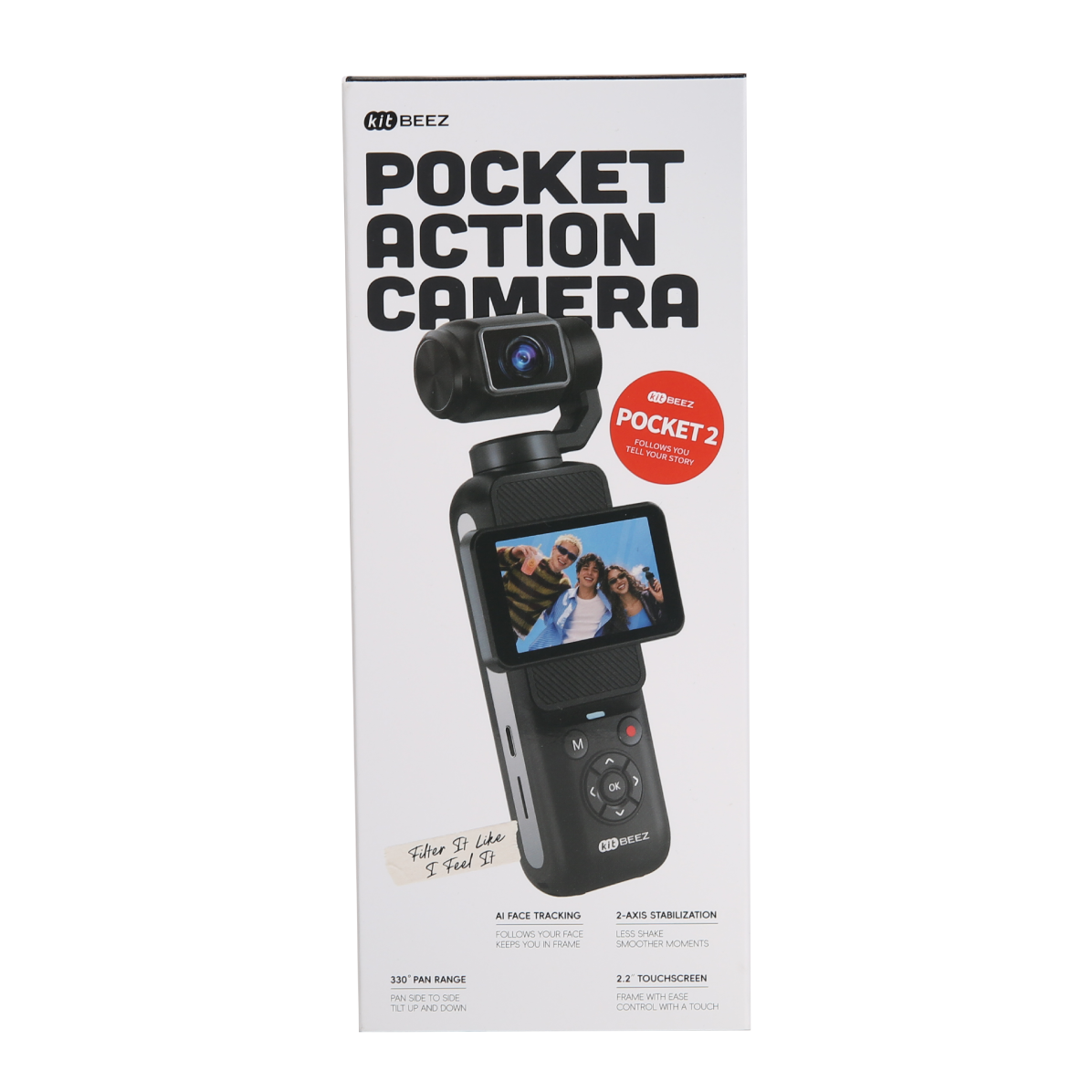
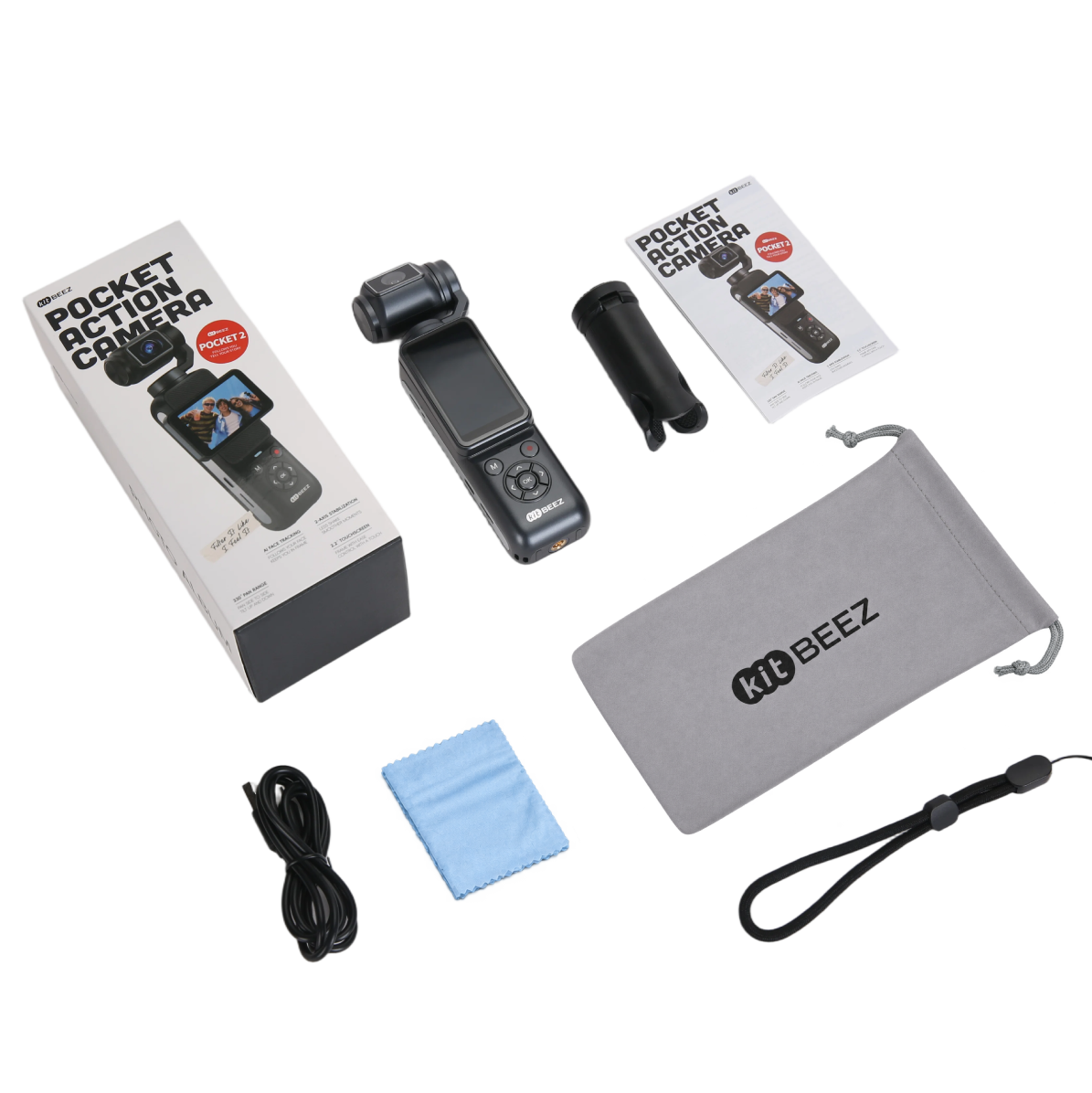
KITBEEZ K-POCKET 2 Gimbal Camera with AI Face Tracking
Made for handheld storytelling
- Two-axis mechanical gimbal: built for handheld filming, with electronic image stabilization (EIS) available in supported landscape modes up to 4K30.
- AI face tracking: press the OK button to start tracking. The camera follows the nearest person, helping you stay in the frame while filming yourself.
- A screen that turns with your story: the 2.2-inch IPS touchscreen rotates 90 degrees for landscape or portrait framing and supports rotation-to-power-on.
- Choose your look: explore 28 filter options, including Normal, and up to 18x digital zoom in compatible modes.
- Connect with HDV CAM: use Wi-Fi for phone preview, remote control and file transfers. PC webcam mode is also supported.
Key specifications
- Video: 5K24, 4K30, 2.7K30, 1080P60/30 and 720P120/60/30.
- Portrait video: 4K30, without EIS.
- Lens movement: up to 330 degrees horizontally and 120 degrees of tilt.
- Photo output: selectable JPEG output up to 80MP; this is an output setting, not a native sensor-resolution claim.
- Battery: 1550mAh, removable.
- Storage: microSD/TF card, Class 10 or above, up to 256GB.
- Connections: USB-C and a 1/4-inch tripod thread.
- Weight: approximately 180g including the battery.
Before you start filming
For EIS, choose a supported landscape mode up to 4K30. Digital zoom is unavailable when EIS is enabled. At 5K24, EIS, portrait recording and digital zoom are unavailable. The 18x zoom is digital, not optical.
Frequently asked questions
Can I choose which person face tracking follows?
Tracking follows the nearest person; selecting a specific person is not supported. Start tracking with the OK button, not a voice command.
Can I connect an external microphone?
K-POCKET 2 currently records with its built-in microphone. External wired and wireless microphones are not supported.
Is it suitable for rough action or underwater filming?
It is designed for handheld recording. Avoid high-speed jolts, severe vibration and repeated large movements that could damage the gimbal. Do not use the camera underwater.
How do I prepare a memory card?
Use a compatible Class 10 or faster card up to 256GB. Back up existing files, then format the card in the camera before first use.
Sign up for new stories and personal offers
Shop