
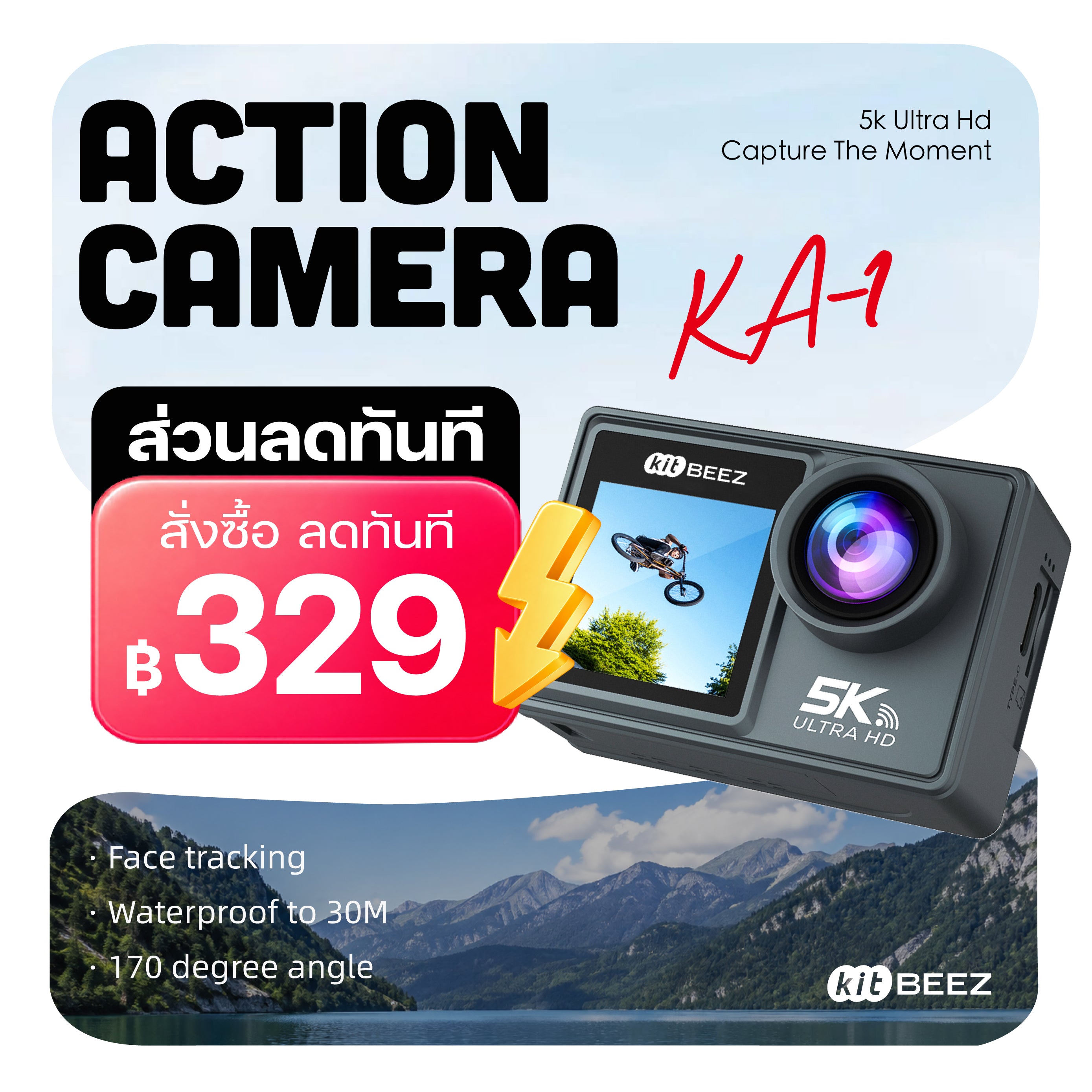
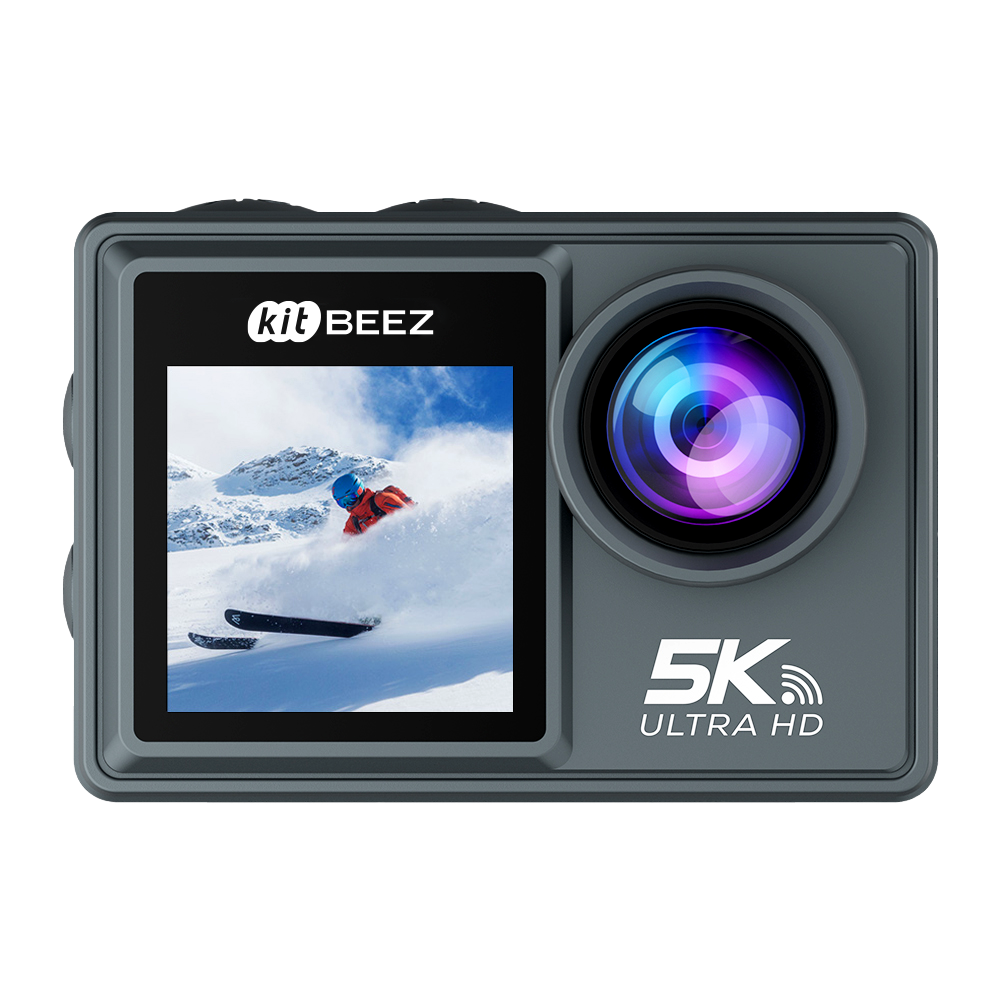
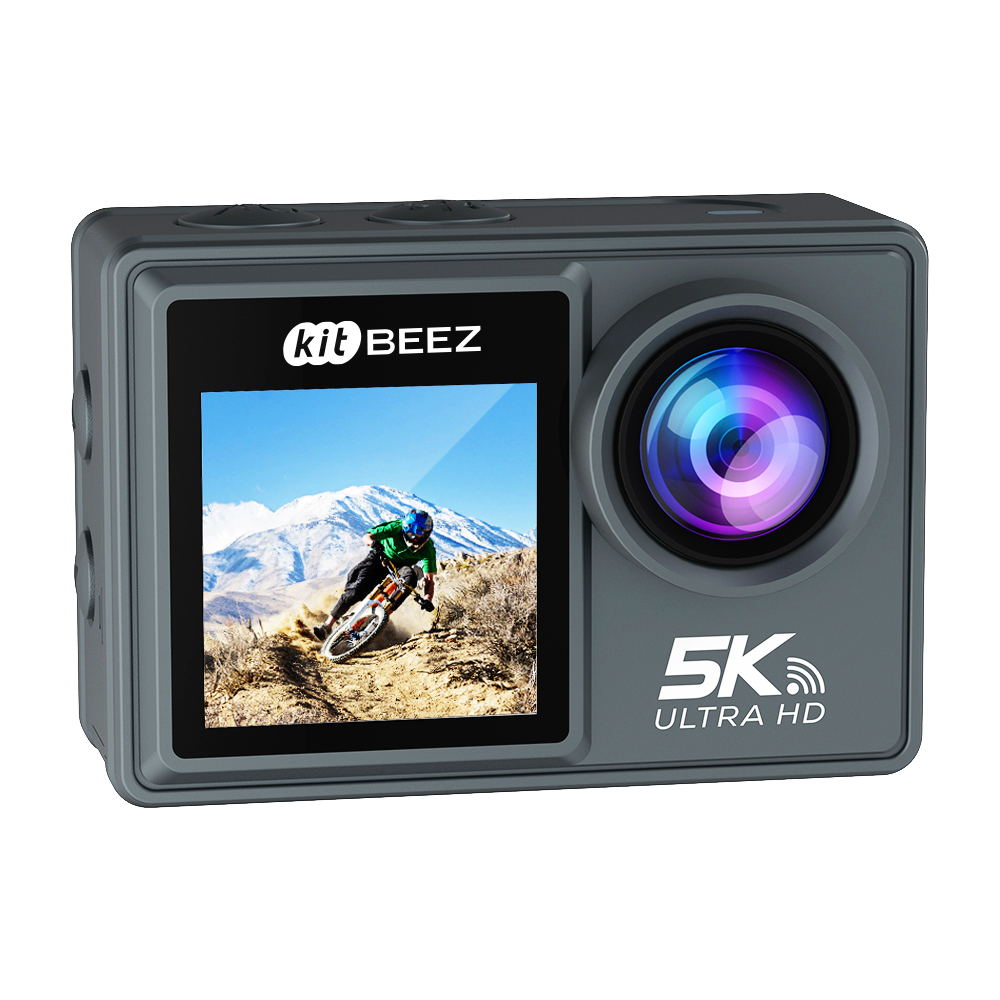
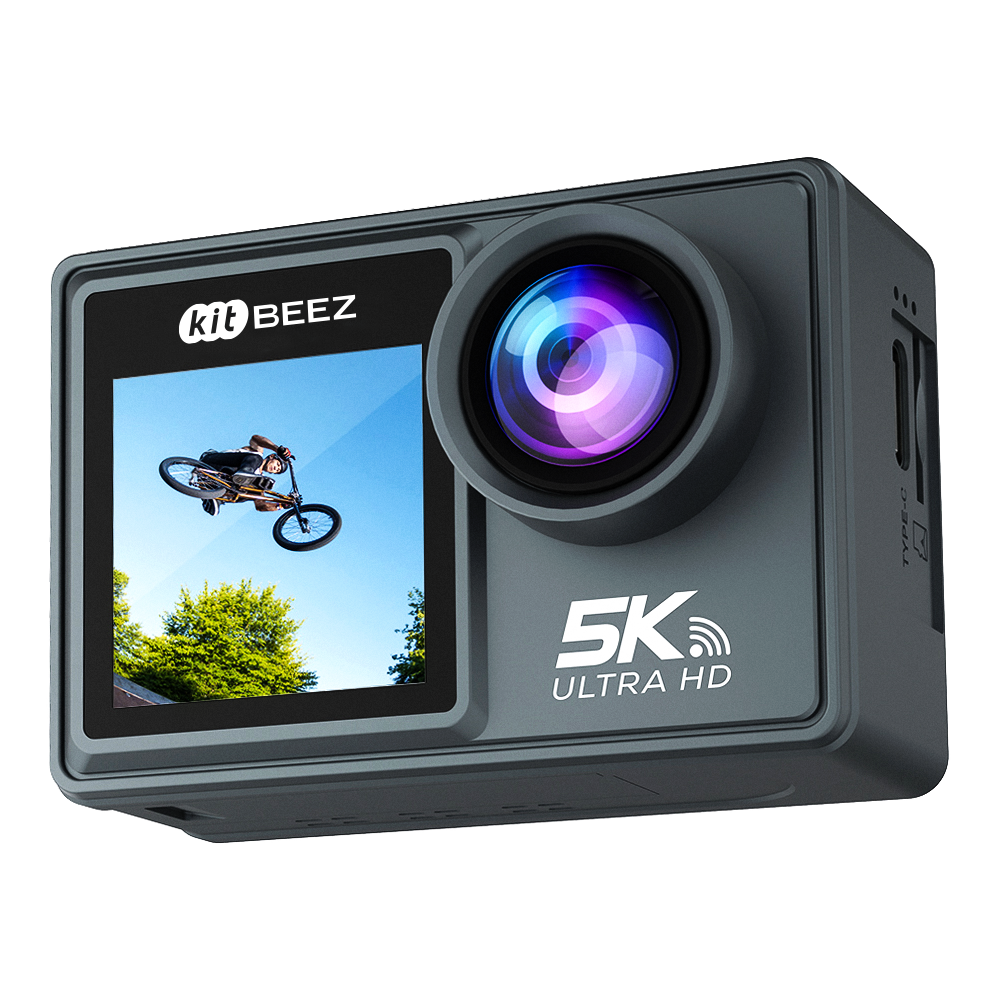
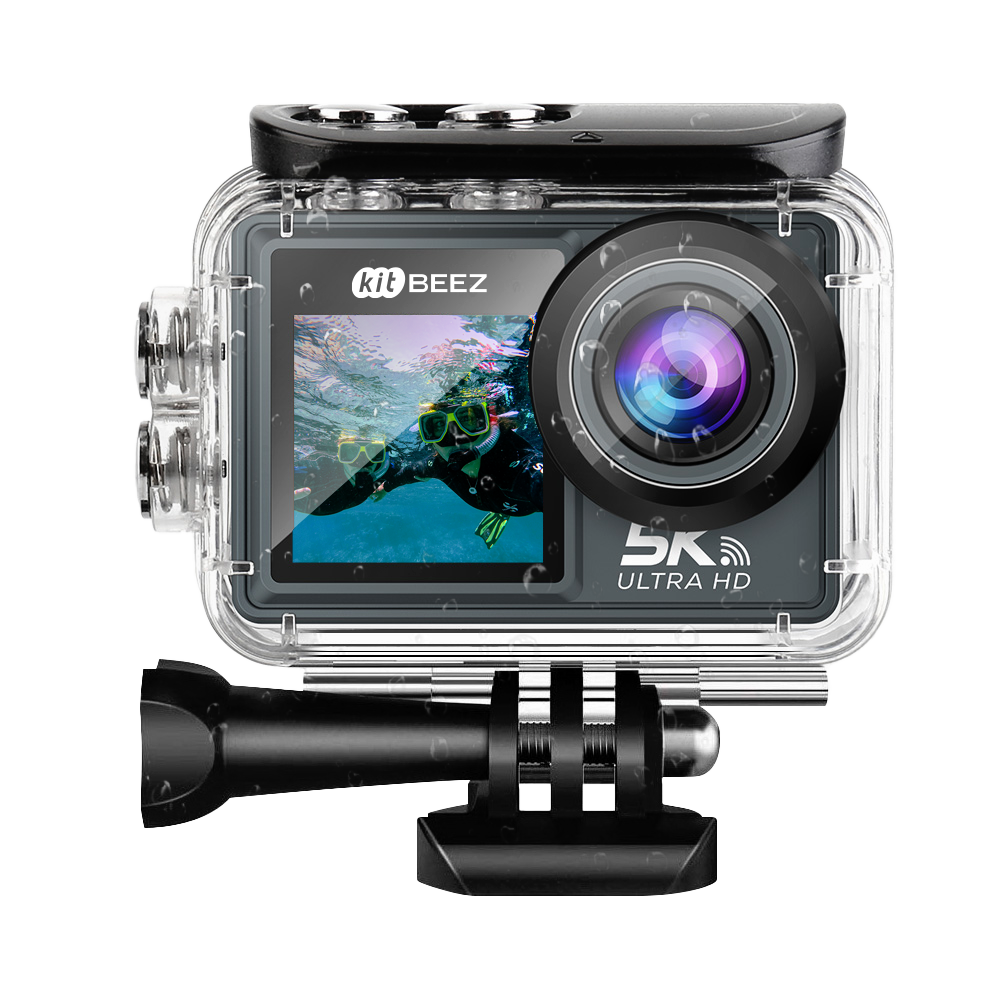
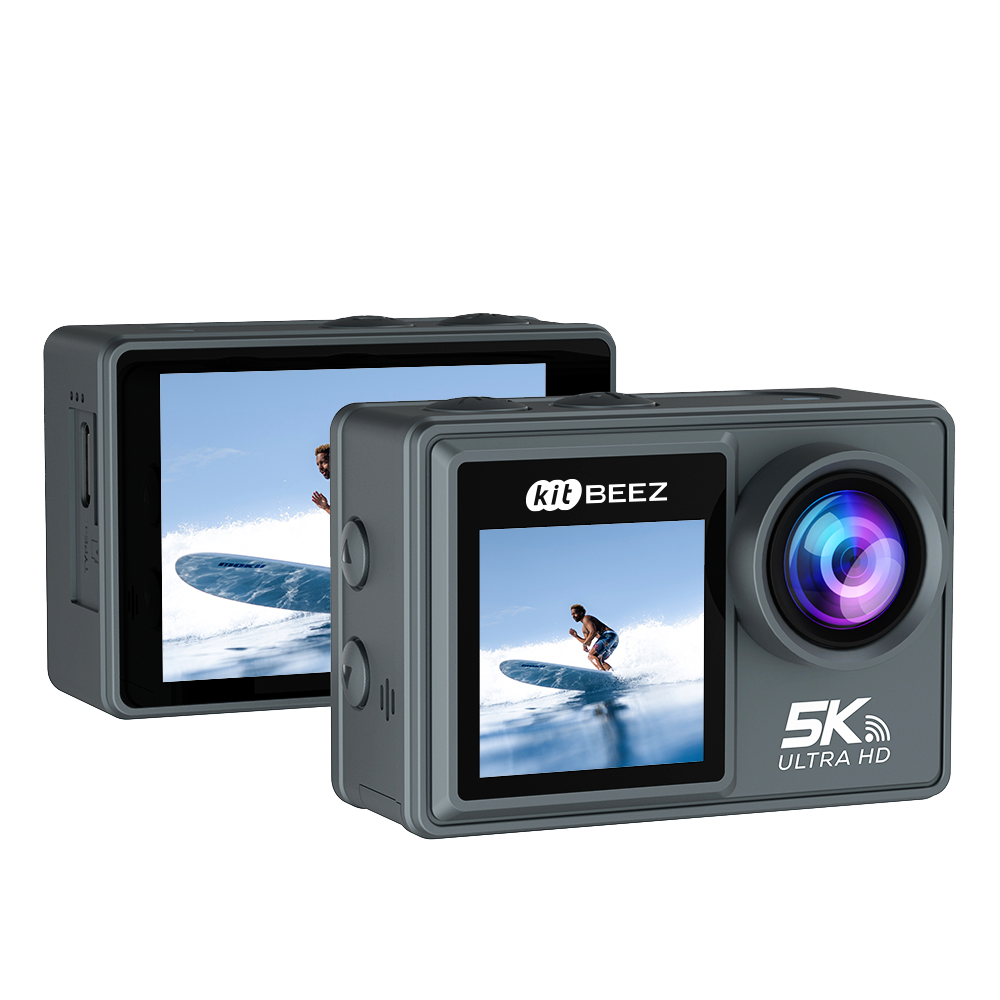
KiTBEEZ KA-1 5K 30FPS Dual Screen Waterproof Action Camera
- Ship In 3 Days
- 1-Year Warranty
- 7-Day Price Match
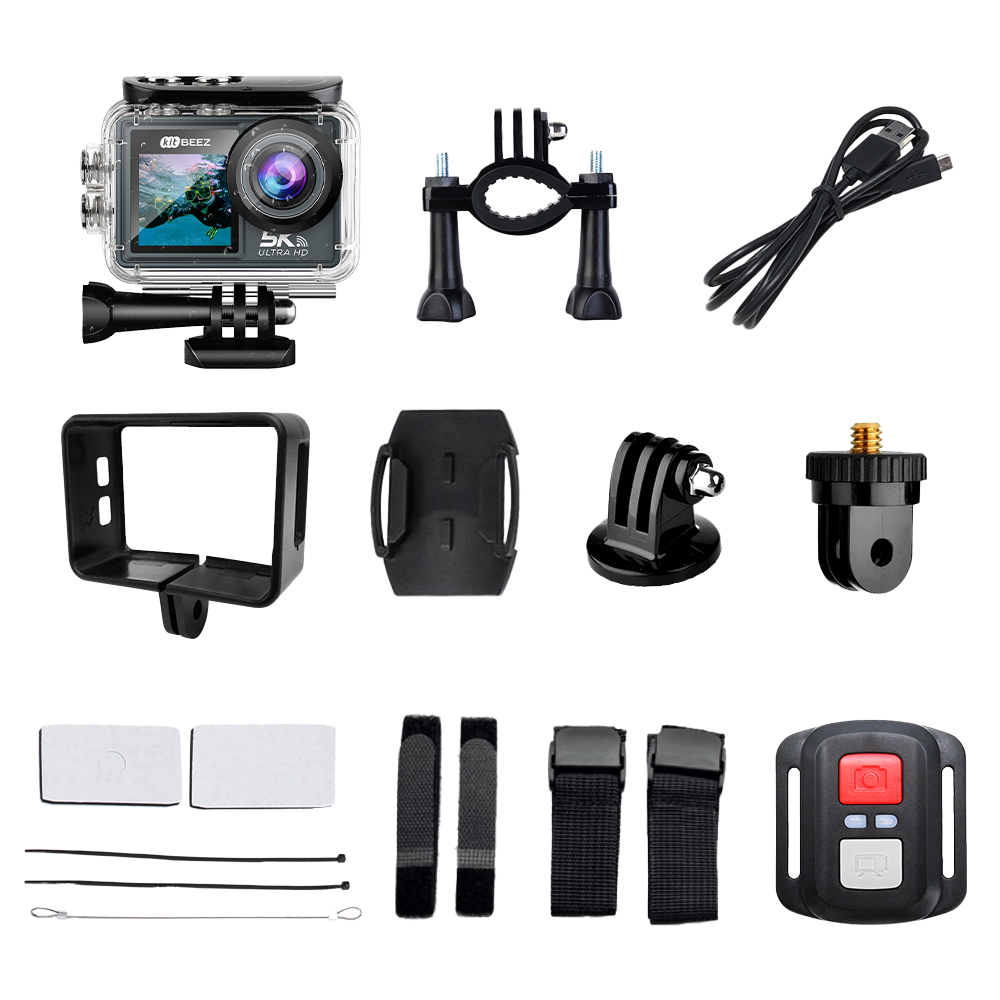
Packing List
According to the picture
✨Product Description:
Pixels: 5000 pixels
Lens type: Periscope
Zoom type: Electronic zoom
Multiple zoom: 5 times
Touch screen: Supported (2.0-inch)
Screen size: 2.0 inches
Storage media: Micro SD (up to 128GB)
Wifi function: Supported
Delay shooting: Supported
Remote control shooting: Supported (M4R standard)
Continuous shooting: Supported
Body flash: Supported
External flash: Not supported
✨Specifications:
Video Capture Resolution: 5K @ 30fps / 4K @ 60fps/30fps / 2.7K @ 60fps/30fps / 1080P @ 60fps/30fps
LCD Display: 2.0-inch LCD + 1.33-inch
Digital Zoom: 5 times
Exposure: EV-3 to EV+3
White Balance: Auto / Day / Cloudy / Tungsten / Fluorescent
ISO: Auto / 100 / 200 / 400
Self-timer: 2 seconds, 5 seconds, or 10 seconds delay
File Format: JPEG (still image) / MP4 (video)
Anti-shake: Supported (4-axis EIS)
Flash: Auto / Forced flash / Flash off / Red-eye reduction
Direct Printing: Supported
Wireless Microphone: Supported (M4R upgrade only)
Battery: 1050mAh
Operating Temperature: 0-40 ℃
USB Port: Type-C
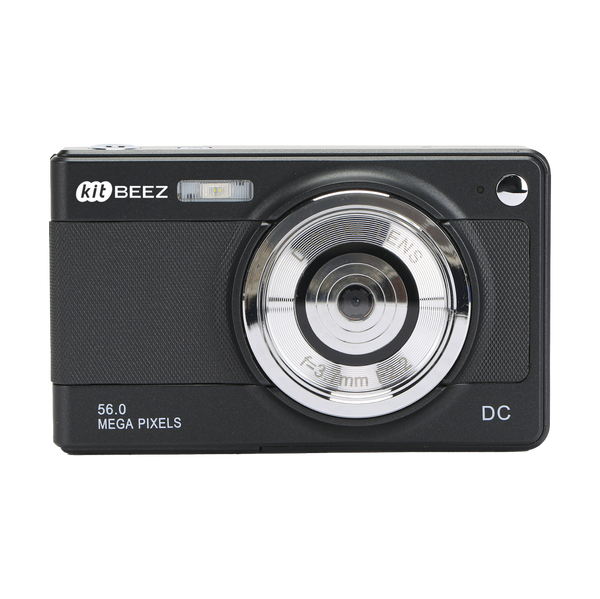
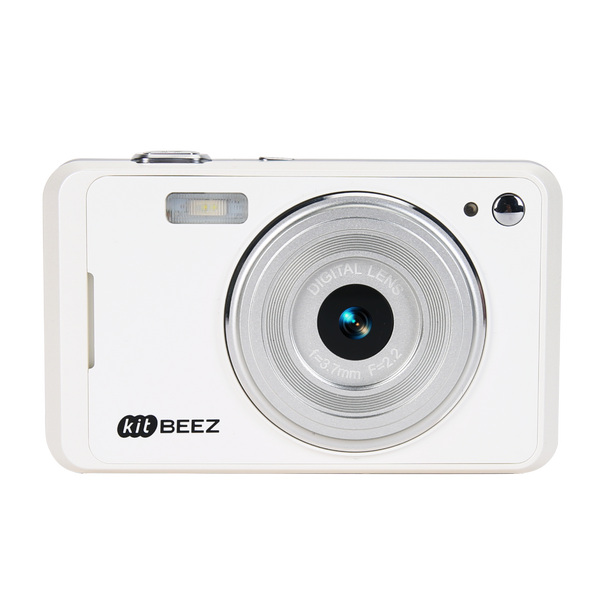
SPECIFICATION
Photo Resolution: Up to 50MP selectable output
Lens: Slim periscope design
Digital Zoom: 5×
Stabilization: 4-axis electronic image stabilization (EIS)
Maximum Video Resolution: 5K at 30fps
High-Frame-Rate Video: 4K at 60fps
Rear Display: 2.0-inch touchscreen
Front Display: 1.33-inch selfie display
Wi-Fi: Supported
Mobile App: SupCam Pro for iOS and Android
Remote Control: Supported through the mobile app
Waterproof Use: Up to 30m with the waterproof housing
External Microphone: Supports wired external microphones
Storage: MicroSD card up to 128GB (card not included unless stated in the selected bundle)
Battery: 1050mAh rechargeable battery
Charging Port: USB Type-C
FAQ
Q: How do I charge and power on the KA-1?
A: Charge through the USB Type-C port. Press and hold the power button until the display turns on.
Q: What battery does it use?
A: The KA-1 uses a 1050mAh rechargeable battery. Runtime varies with recording resolution, Wi-Fi use, screen use, EIS, and ambient temperature.
Q: What are the main video modes?
A: The KA-1 records up to 5K at 30fps and supports 4K at 60fps for smoother motion.
Q: Does it have image stabilization?
A: Yes. Four-axis electronic image stabilization helps reduce visible shake. For the steadiest footage, use a stable grip or mount.
Q: Can I use it underwater?
A: Use the waterproof housing for depths of up to 30m. Confirm that the housing is fully sealed and test it before immersion.
Q: Which memory card should I use?
A: Use a MicroSD card with a capacity of up to 128GB. A card is not included unless your selected bundle states otherwise. Format the card in the camera before first use.
Q: How do I connect the camera to my phone?
A: Install SupCam Pro on an iOS or Android device, enable Wi-Fi on the camera, connect your phone to the camera network, and then open the app.
Q: What does 50MP mean?
A: 50MP is the maximum selectable output setting for still photos. It should not be interpreted as the hardware sensor resolution.
Q: How do the two displays work?
A: Use the 1.33-inch front display for selfie framing and the 2.0-inch rear touchscreen for settings, shooting, and playback.
Q: Can I connect an external microphone?
A: Yes. The KA-1 supports a compatible wired external microphone.
Sign up for new stories and personal offers
Shop